About us

Aliquam erat massa porttitor vel egestas sit tristique ultricies lorem aliquet venenatis libero a nulla placerat egestas.

READ MORE

Contact Info

Call Now

+91 123 456 7890,
+91 987 654 3210

Email Now

info@example.com

Location

demo address #8901 Marmora Road Chi Minh City, Vietnam

Agency | Creative Multipurpose HTML with RTL Ready

Ensure productivity with visual proof of work

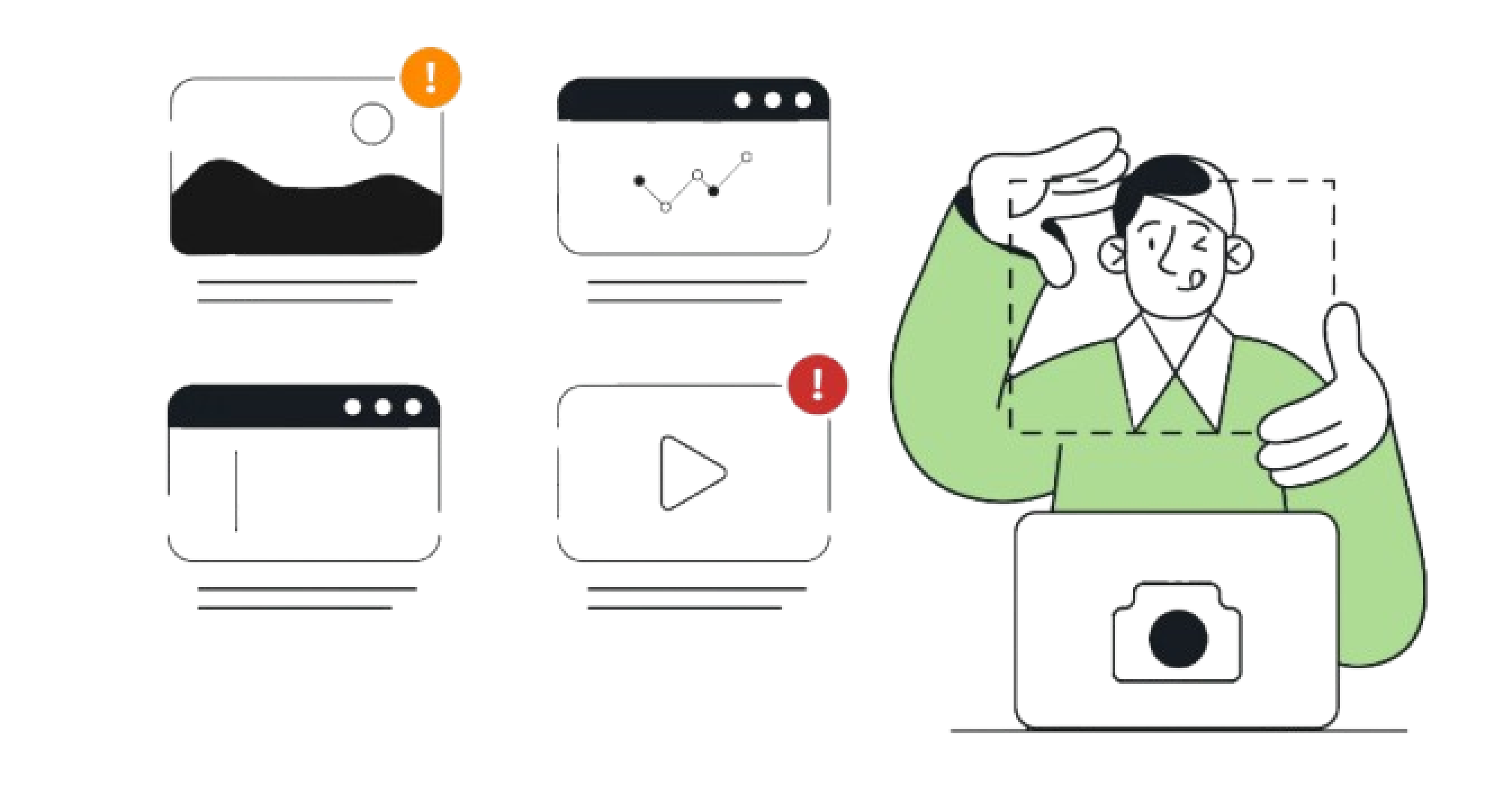
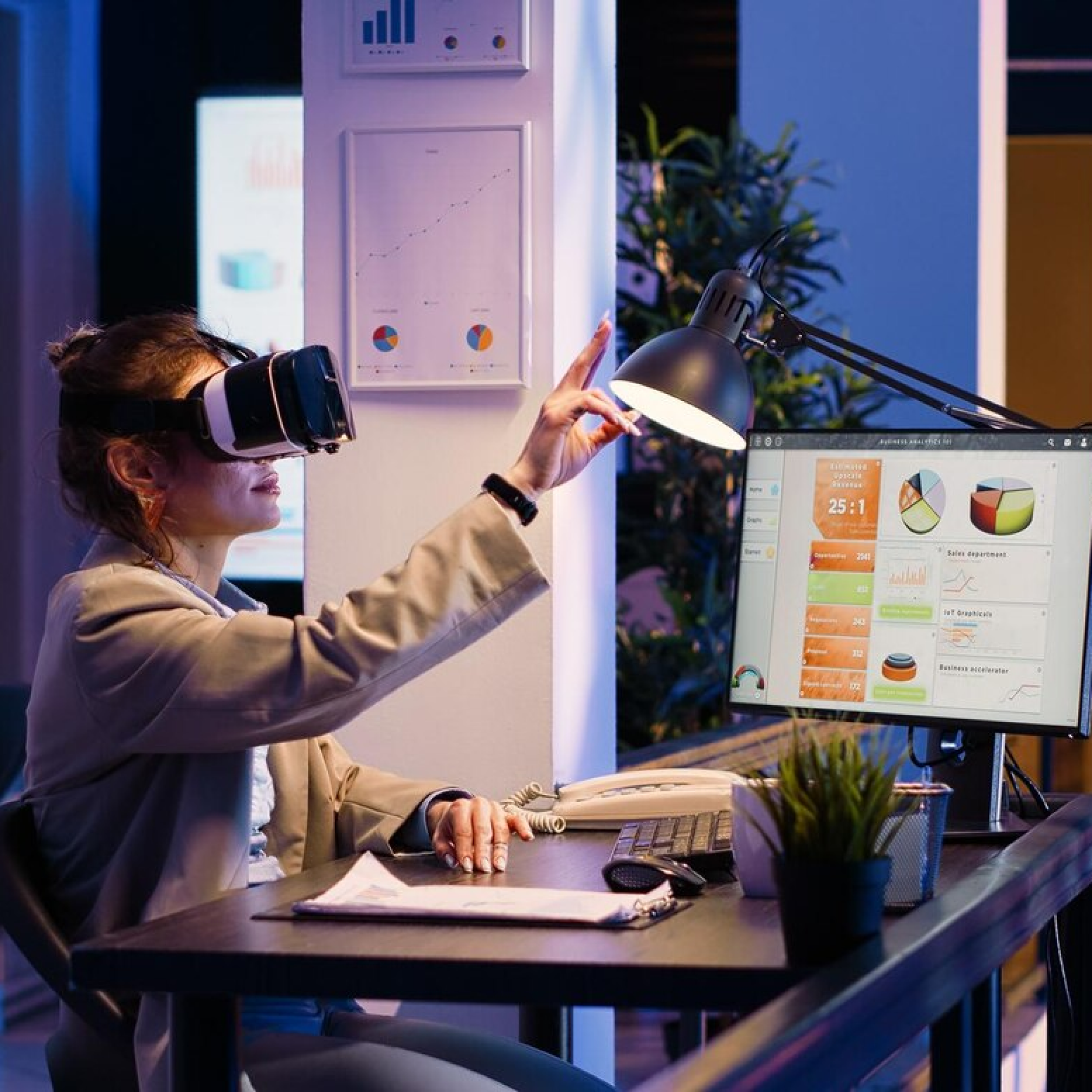
Time tracking with screenshots gives you an extra boost of certainty that everyone's hard at work.

An image of a woman sitting with her eyes closed.

Proof of Work

Easily confirm that your team is genuinely engaged with their tasks, not just going through the motions.

Data Security

Ensure that all precautions are taken to safeguard sensitive data and avoid leaks.

Productivity Boost

Regular screenshots help employees stay focused and drive long-term productivity gains.

Time tracking with screenshots

Let automated time tracking with screenshots solve your productivity concerns

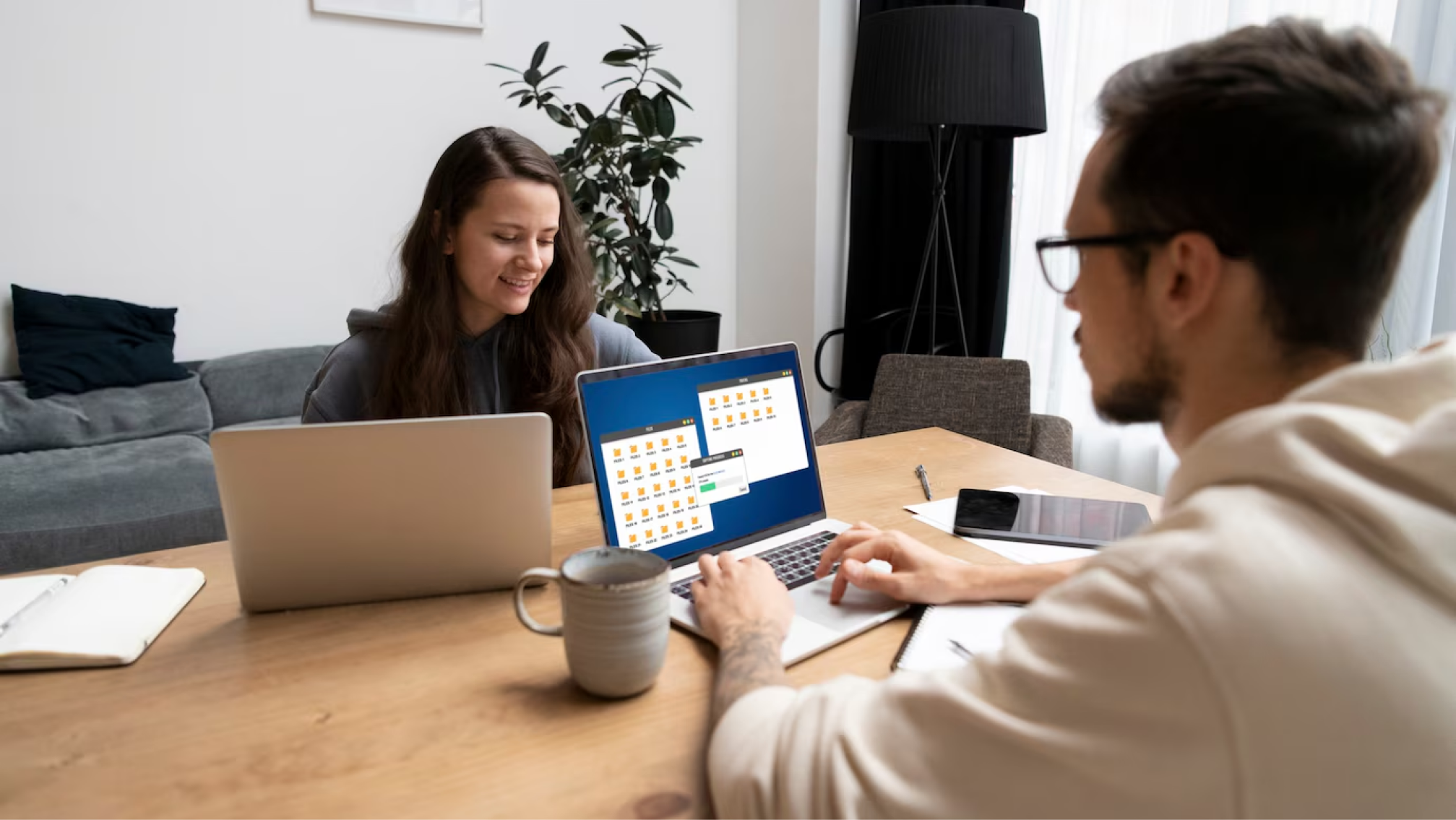
Monitor work effortlessly with automated screenshots, ensuring complete transparency and peace of mind.

Prevent company Resource Misuse

Ensure work hours are dedicated to productive, work-related activities with proper monitoring.

Clear Evidence of Productivity

In case of uncertainty, screenshots offer a transparent record of work progress and time spent on tasks.

Prevent Potential Data Leaks

Ensure your team follows strict security protocols to protect sensitive information. 🔒

How do Workstat Screenshots work?

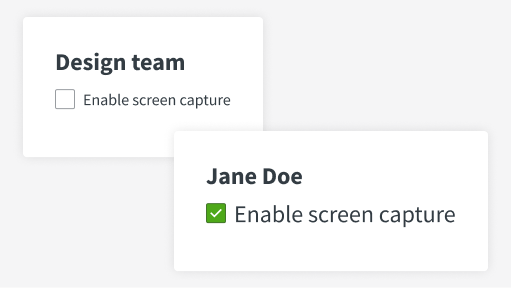
EnableScreenCapture
Screen Capture Option

This feature allows you to enable screen capture for all team members or specific users based on your preferences. It is optional and can be tailored to suit your needs.

ScreenshotInterval
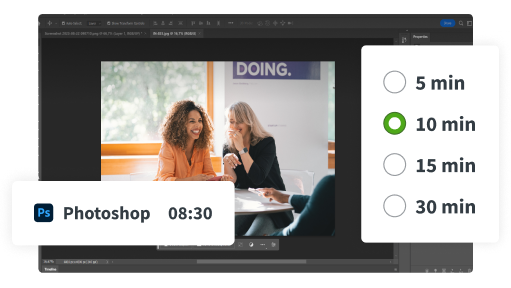
Set Screenshot Intervals

Customize the frequency of screenshots by selecting intervals of 5, 10, 15, or 30 minutes. Screenshots are captured at random times within your chosen interval.

BlurScreenshots
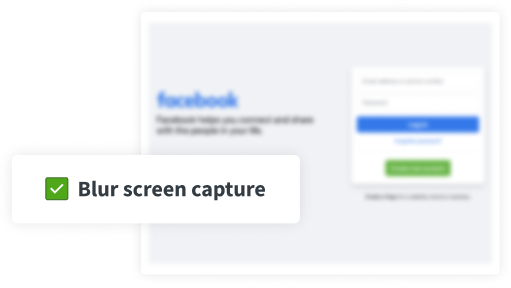
Enhance Privacy with Blurred Screenshots

Blurred screenshots provide an overview of activities while keeping sensitive information protected.

Frequently Asked Questions

Frequently Asked Questions about Screenshots

Yes, WorkStat includes a screenshot feature that can be enabled to monitor employee activity.

Yes, WorkStat takes screenshots periodically to keep track of productivity and ensure compliance with work policies.

Screenshots are taken at random intervals, ensuring fair and accurate productivity tracking.

No, screenshots are only taken on company-authorized devices to ensure privacy and compliance.

No, the screenshot feature is managed by the employer, and its settings cannot be altered by employees.

Frequently Asked Questions about Employee Privacy

WorkStat allows employers to customize monitoring settings. Screenshots can be disabled, and employees are notified when monitoring is active, helping maintain transparency.

Yes, WorkStat provides transparency by allowing employees to view their work data and ensure there’s no breach of privacy.

No, WorkStat keeps employee data confidential and does not share it with third parties without explicit permission.

Employees can request deletion of their data, and WorkStat complies with all data protection laws to ensure proper handling of such requests.

Yes, WorkStat is fully GDPR compliant, ensuring the protection of employee data and privacy at all times.